Choose your video
Select a video from your device. It opens right here, ready to preview.
 Sharper.video
Create AI videos. Edit, extend and upscale in one place.
By continuing, you agree to our Terms of Service and Privacy Policy.
Keep what matters in the frame. Crop to vertical, square or widescreen, then preview and download your video.
Choose a video or drag and drop it here.
MP4, MOV, WebM & more supported videos
Drag the frame to move it. Drag a corner or edge to resize. Use arrow keys to move the selected frame or handle; hold Shift for larger steps. Exact crop dimensions are available in Fine-tune your crop.
Output keeps the selected pixels. Preset ratios snap to compatible even dimensions.
The complete video will be exported.
Keep this page open while your video is being prepared.
A new frame. The same moment.
Download your crop, then give it an extra boost with AI upscaling.
Select a video from your device. It opens right here, ready to preview.
Pick a ratio, drag the crop over your subject and adjust the edges.
Check your framing, crop the video and save an MP4 without a watermark.
Compare the original widescreen image with the cropped frame. All three examples are shown below, so you can choose the format that fits your video.
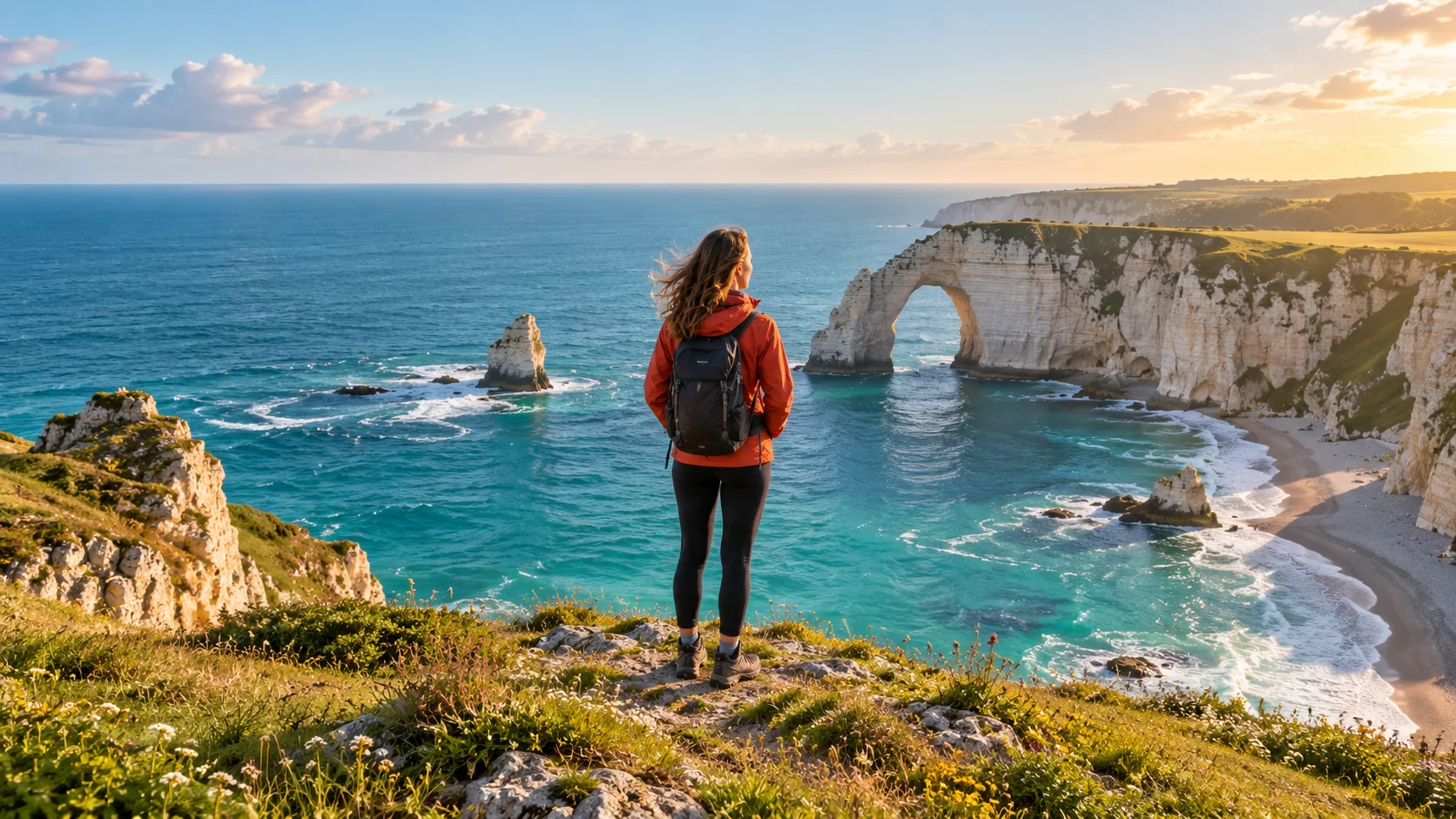


Use a custom crop to keep the useful area of your video. Remove empty edges, distracting backgrounds or black bars that are part of the recorded image.
Black space added by a video player may not be in your actual file. Preview the crop to check.
A crop stays in the position you choose. Play the video before exporting so a moving person, product or important detail stays inside your frame.
Drag the edges for more breathing room, or switch to a wider ratio.
They change different parts of your video. Start with the edit that matches what you want to do.
Cropping a video leaves fewer pixels to work with. Your cropper keeps the selected area at its native size. If you need a larger result, AI upscaling is an optional next step.
Crop here. Download. Enhance when you’re ready.
Quick answers about framing, files, audio and downloading your crop.
Choose your video, select 9:16, then drag the crop frame over your subject. Play the clip to check the framing. Select Crop video, preview the result and download your MP4.
You can complete three free crops without an account. Sign in to remove the usage limit. Failed or canceled exports do not use a free crop, and downloading the same result again does not use another one.
Start with an MP4, MOV or WebM file that your browser can preview. Support depends on the video and audio codecs inside the file. H.264 MP4 with standard SDR color is a good starting point. The editor shows any file, duration or device limit before exporting.
Yes. Keep original audio is on by default. The main audio track is included in your exported MP4 unless you turn that option off. Muting the preview only changes what you hear while editing.
Cropping removes the area outside your frame, so the result may contain fewer pixels than the original. Exporting also re-encodes the video. You can see your output dimensions before exporting; cropping does not automatically turn a small area into 1080p or 4K.
You can crop black bars that are part of the recorded picture. Empty space added by a video player may not be present in the file. Choose Custom / freeform, move the crop edges to the picture and check Preview crop.
Cropping changes the visible area of each frame. Trimming changes the video’s duration. To shorten a clip or remove an intro, use the Video Cutter. The cropper also lets you choose a video section in Fine-tune your crop.
Cropping removes everything outside the selected frame. To keep the entire wide picture in a vertical format, use a resizing or padding workflow. This cropper does not add backgrounds or expand the scene.
The crop frame stays in the position you choose. Preview the full clip to make sure your subject remains inside it, and leave extra room around moving subjects.
The editor has touch controls for phones and mouse and keyboard controls for computers. Export availability depends on your browser, device memory and file format. Keep this page open during processing. If a large video runs into memory limits, try a shorter section.
No. Cropping and MP4 export run in your browser, and your video file stays on your device. Download the finished file before you close this page; it is not automatically saved to your account.
Download your cropped MP4 first. You can then open it in the AI Video Upscaler or try the Free Video Upscaler. Upscaling is a separate step; results depend on the original footage.